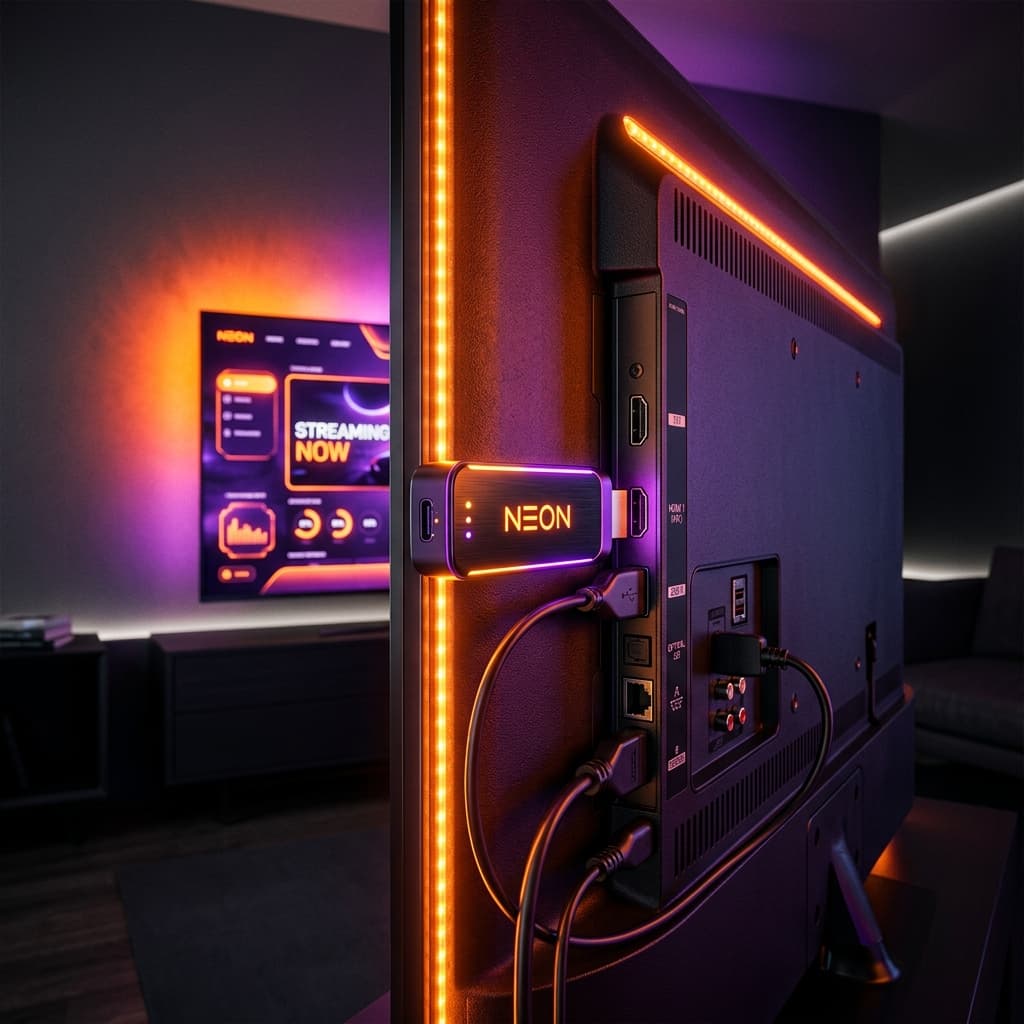
In homes across Ireland, the Amazon Fire TV Stick has become the uncontested champion of digital television streaming. Combining compact hardware, an intuitive remote control, affordable pricing, and an open Android-based operating system, it offers Irish viewers the ideal hardware foundation for modern internet television. If you are looking to set up IPTV for Firestick in Ireland, understanding model differences, storage management, and app configuration is the key to achieving a smooth, buffer-free experience.
In this complete device guide, we explore why the Firestick dominates the Irish streaming landscape, compare the different Fire TV models available in Irish retailers, and explain how to configure your stick for optimal performance.
Why the Amazon Firestick Dominates the Irish Market
Unlike locked-down platforms like Roku or older proprietary television interfaces, the Fire TV platform operates on Fire OS (a fork of Android). This provides Irish viewers with several major advantages:
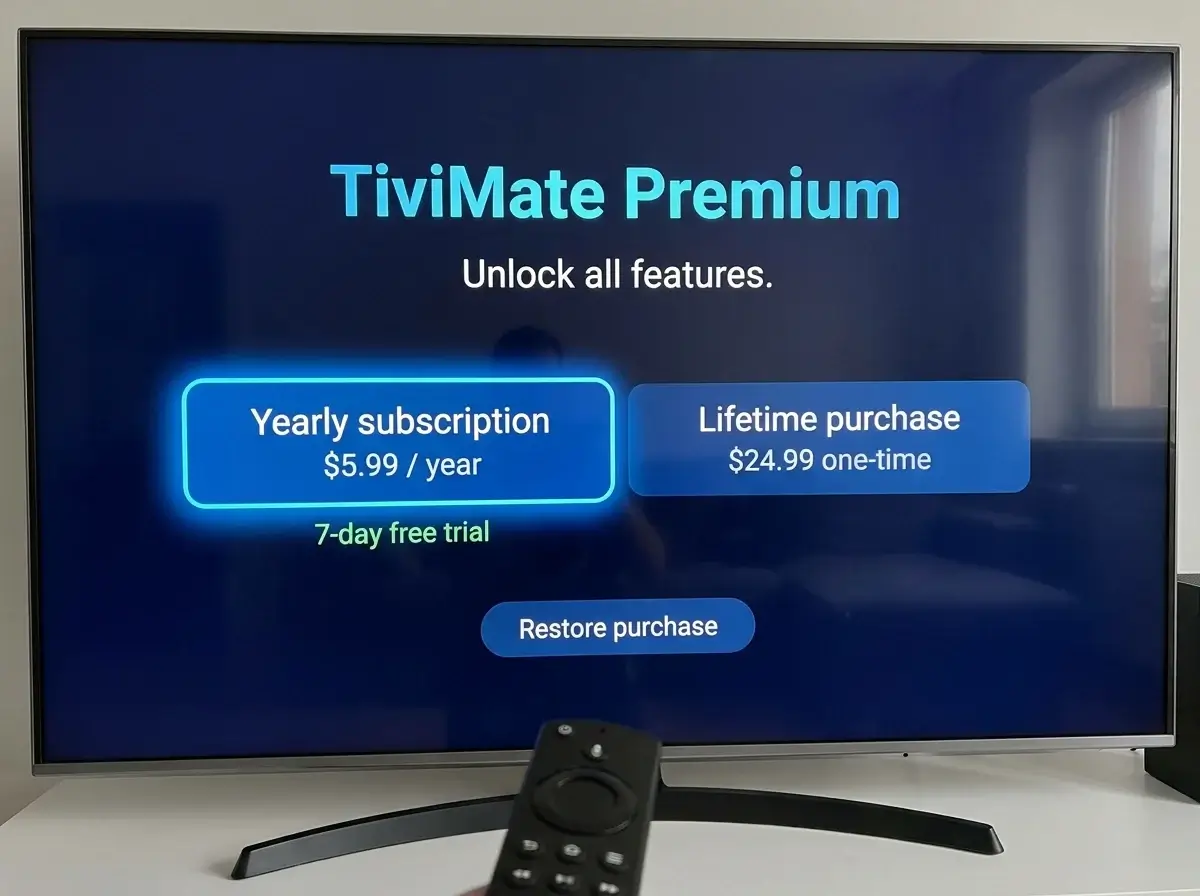
- App Flexibility: Direct access to top-rated media players like TiviMate, IPTV Smarters Pro, and IBO Player. Read our breakdown of the best IPTV player options for Firestick in Ireland.
- Hardware Video Decoding: Built-in hardware support for modern video compression standards, including H.264, HEVC (H.265), and AV1.
- Portability: Compact enough to take on weekend trips across Ireland or holiday rentals abroad while keeping your domestic Irish IPTV channels at your fingertips.
- Affordability: Available for €35 to €65 at Irish retailers like Currys, Argos, Harvey Norman, or via Amazon UK/EU.
Comparing Fire TV Stick Models for Irish Streaming
Amazon offers several iterations of the Fire TV Stick in Ireland. Selecting the correct model ensures your hardware can handle demanding live sports and high-bitrate video on demand:
| Fire TV Stick Model | Processor & RAM | Max Resolution & Codecs | Verdict for IPTV Streaming |
|---|---|---|---|
| Fire TV Stick Lite | 1.7 GHz Quad-core / 1 GB RAM | 1080p Full HD / H.264, HEVC | Basic budget option; can struggle with large channel guides and 4K VOD |
| Fire TV Stick (Standard HD) | 1.7 GHz Quad-core / 1 GB RAM | 1080p Full HD with TV volume controls | Adequate for smaller bedroom TVs; lacks headroom for 4K streams |
| Fire TV Stick 4K (2nd Gen) | 1.7 GHz Quad-core / 2 GB RAM | 4K Ultra HD, Dolby Vision, HDR10+, Wi-Fi 6 | Highly Recommended: Excellent value, smooth channel switching, handles 50/60fps sports effortlessly |
| Fire TV Stick 4K Max (2nd Gen) | 2.0 GHz Quad-core / 2 GB RAM + 16GB Storage | 4K Ultra HD, Wi-Fi 6E, Ambient Experience | The Best Overall: Extra storage accommodates large EPG caches; fastest navigation and multi-view performance |
Essential Optimization Tips for Irish Firestick Users
To keep your Fire TV Stick running at peak performance and prevent stutter during live IPTV sports in Ireland, implement these technical optimizations:
- Clear App Cache Regularly: IPTV applications download channel logos and EPG schedules daily. Go to Settings > Applications > Manage Installed Applications > Your IPTV App > Clear Cache every couple of weeks to free up system memory.
- Connect to 5 GHz Wi-Fi: Modern Irish routers from Eir, Virgin Media, and Vodafone broadcast both 2.4 GHz and 5 GHz bands. Connect your Firestick to the 5 GHz band for faster throughput and lower interference.
- Use the HDMI Extender: Always use the flexible HDMI extender cable included in the Amazon box. It moves the stick away from the metallic back of your television, improving Wi-Fi antenna reception significantly.
- Consider an OTG Ethernet Adapter: If your Wi-Fi struggles to penetrate thick concrete walls, invest in an official Amazon Ethernet adapter (approx. €15) for rock-solid wired connectivity.
Need help setting up or optimizing your Firestick for IPTV? You can contact us directly on WhatsApp at +44 7853 146902 for step-by-step guidance.
How to Install and Set Up IPTV on Your Firestick
Setting up your streaming stick takes less than five minutes:
- Install the official Downloader app from the Amazon Appstore.
- Download your preferred IPTV player, such as TiviMate or IPTV Smarters Pro. Review our full tutorial on how to install IPTV on Firestick in Ireland.
- Input your M3U link or Xtream Codes API credentials provided by your IPTV provider in Ireland.
- Allow your channel list and EPG to synchronize, organize your favorites, and enjoy smooth television viewing.
Frequently Asked Questions
Do I need an Amazon Prime membership to use a Firestick for IPTV?
No. You only need a free Amazon account to register the stick and download apps from the Amazon Appstore. No paid Amazon Prime subscription is required to stream IPTV.
Can I record live TV shows on my Firestick?
Yes, advanced players like TiviMate support recording directly to local Firestick storage or an external USB drive connected via an inexpensive OTG cable.
Can I test my Firestick with an IPTV trial first?
Yes, reputable services provide an IPTV Ireland free trial so you can test channel responsiveness and stability directly on your Firestick.
Conclusion
The Amazon Fire TV Stick is the premier streaming device for Irish households looking to embrace high-definition internet television. By opting for a 4K-capable model and configuring a top-rated player application, you can unlock a responsive, feature-rich home entertainment hub that outperforms traditional cable decoders in every metric.
Have questions about Firestick compatibility or recommended player apps? Chat with our technical team on WhatsApp at +44 7853 146902.