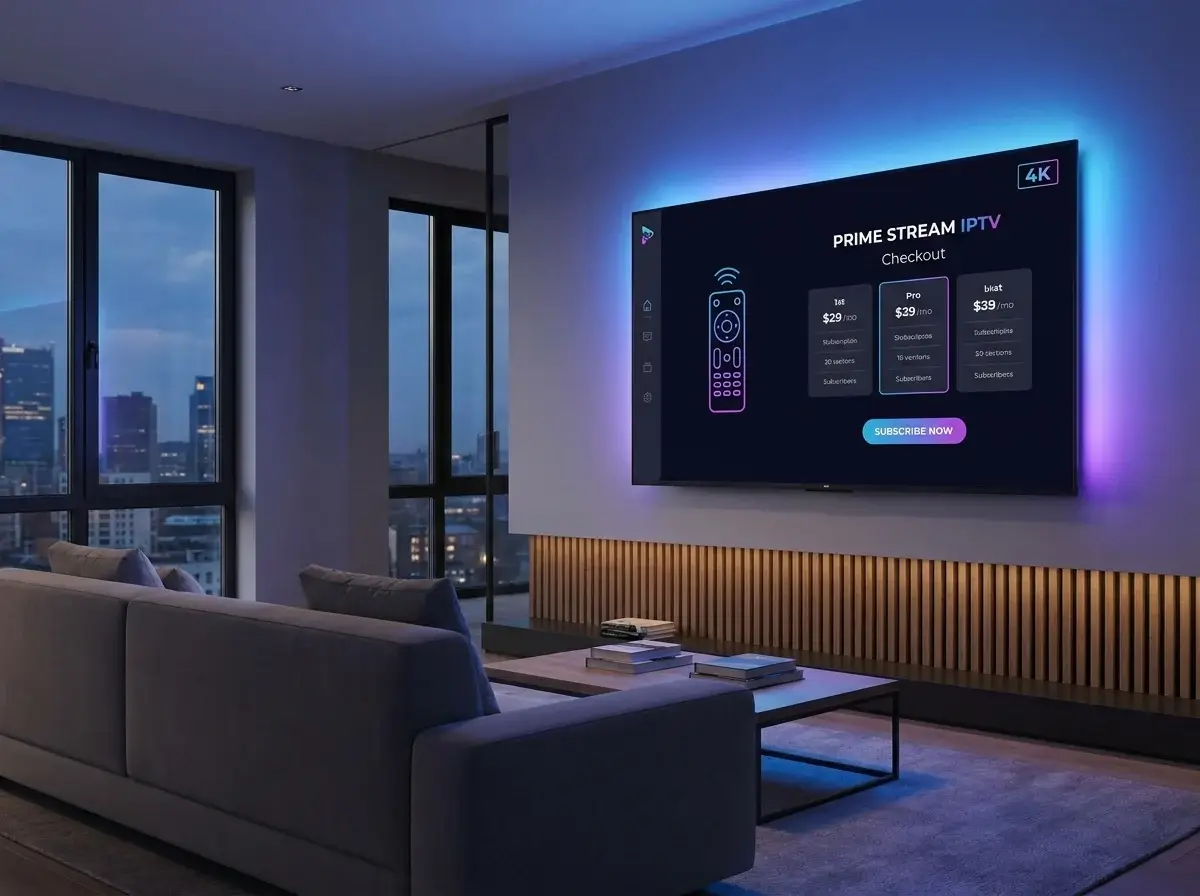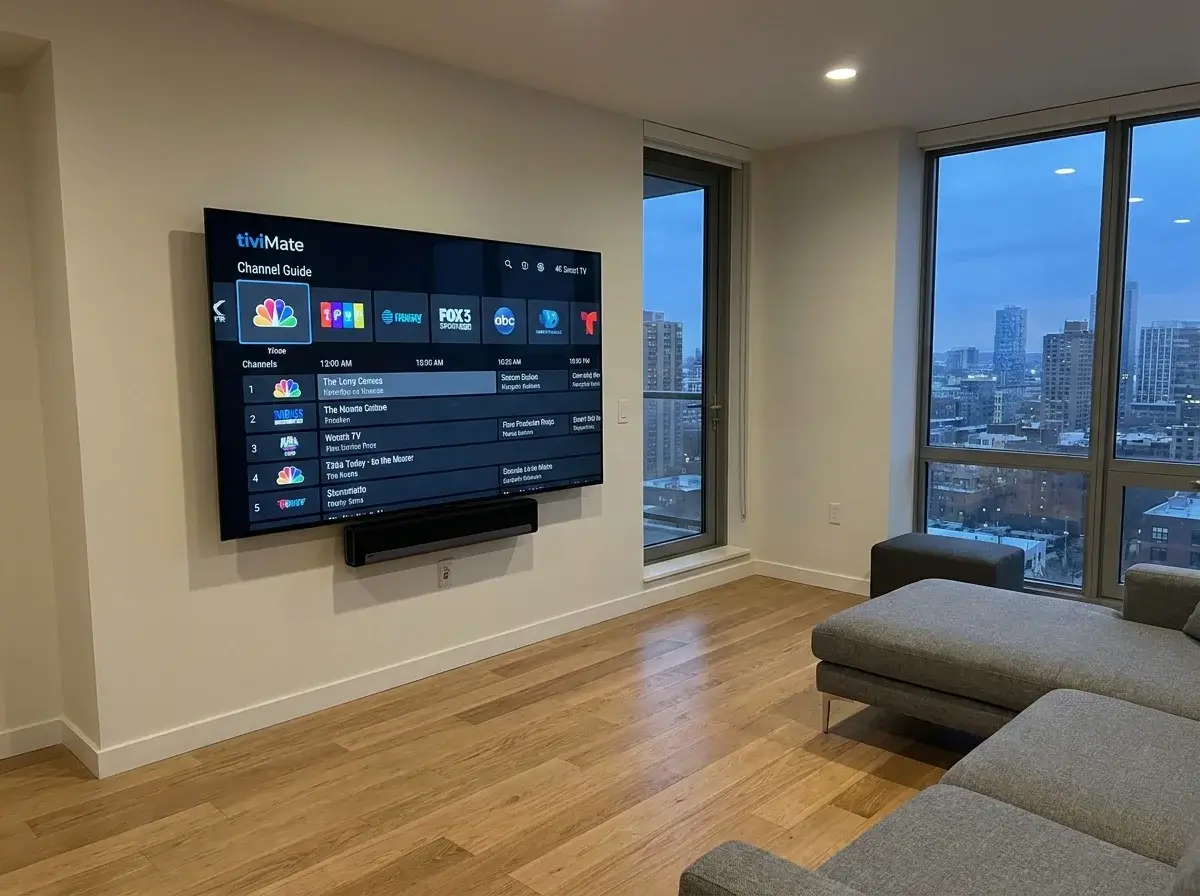
A common misconception among newcomers to digital television is assuming that your IPTV provider dictates what your on-screen interface looks like. In reality, IPTV is split cleanly into two distinct components: the playlist service (which supplies the video feeds) and the player application (which renders the guide, handles audio decoders, and controls playback). Choosing the best IPTV app in Ireland is essential to transforming raw streaming feeds into a luxurious, easy-to-use television interface.
In this comprehensive app shootout, we compare the top-rated streaming players across Android TV, Firestick, Apple TV, and Smart TVs, evaluate their key features, and help you choose the best player for your Irish living room.
Key Features to Look for in a Modern IPTV Player
Before downloading an app, ensure it supports these crucial modern television features:
- Xtream Codes API Integration: Eliminates the hassle of manually typing out long, error-prone M3U URLs with a simple remote control.
- Integrated Multi-EPG Support: Seamlessly displays current and upcoming schedules for Irish IPTV channels and UK broadcasters with automatic time zone adjustment.
- Catch-Up & Recording: Allows you to re-watch live television from the past 48 to 72 hours or record broadcasts to internal flash memory or USB storage.
- Multiview Sports Mode: Splits your television screen into 2, 3, or 4 panels simultaneously so you can track multiple Premier League or GAA matches live. Read our guide on IPTV sports in Ireland.
- Hardware Acceleration (ExoPlayer / VLC): Uses your device's graphics processor to decode 50/60fps and 4K streams smoothly without stuttering or overheating.
The Top 5 IPTV Player Applications Compared
| Application | Supported Platforms | Primary Strengths | Pricing Model |
|---|---|---|---|
| TiviMate | Android TV, Fire TV, Google TV | Unrivalled satellite-style EPG, multi-screen sports, scheduled recording, automated playlist sync | Free basic tier; €33 lifetime license for 5 devices |
| IPTV Smarters Pro | Android, Fire TV, iOS, Samsung Tizen, LG webOS, Windows, Mac | Clean universal layout, separate Cinema/Series tabs, multi-user profiles, free cross-platform availability | Free with optional in-app premium unlock |
| IBO Player | Samsung Smart TV, LG webOS, Android, Apple TV | Fast web-portal activation, lightweight code ideal for Smart TVs, excellent 4K playback | 7-day trial; one-time ~€8 activation fee |
| XCIPTV Player | Android TV, Firestick, Android Mobile | Highly customizable home screen, dual built-in media players, integrated internet speed test | Free to download |
| UHF / iPlayTV | Apple TV, iPad, iPhone, Mac | Sleek modern iOS/tvOS design language, seamless iCloud sync across Apple devices, smooth gesture navigation | Modest one-time App Store purchase |
Unsure which IPTV app is best suited for your device? Feel free to contact us on WhatsApp at +44 7853 146902 for expert recommendations.
Deep-Dive: TiviMate vs IPTV Smarters for Irish Viewers
For viewers using an Amazon streaming stick or an Android-powered TV box, the choice almost always comes down to TiviMate vs IPTV Smarters:
Why Power Users Prefer TiviMate
TiviMate was designed from the ground up for big television screens navigated by a physical remote. It offers the fastest channel switching speeds in the industry, customizable channel numbers, custom channel hiding, and seamless electronic guide scrolling. If you want your streaming setup to look and feel just like a premium Sky Q or Virgin Media box, TiviMate is the definitive gold standard. Check our detailed device guide on the best IPTV for Firestick in Ireland.
Why Families Appreciate IPTV Smarters Pro
IPTV Smarters Pro shines when you have multiple family members with differing tastes. It divides content into clear visual tiles: Live Channels, On-Demand Movies, and TV Series. It also offers dedicated parental control PIN locks for adult bouquets and works seamlessly across phones, tablets, and living room TVs.
Best Apps for Samsung & LG Smart TVs
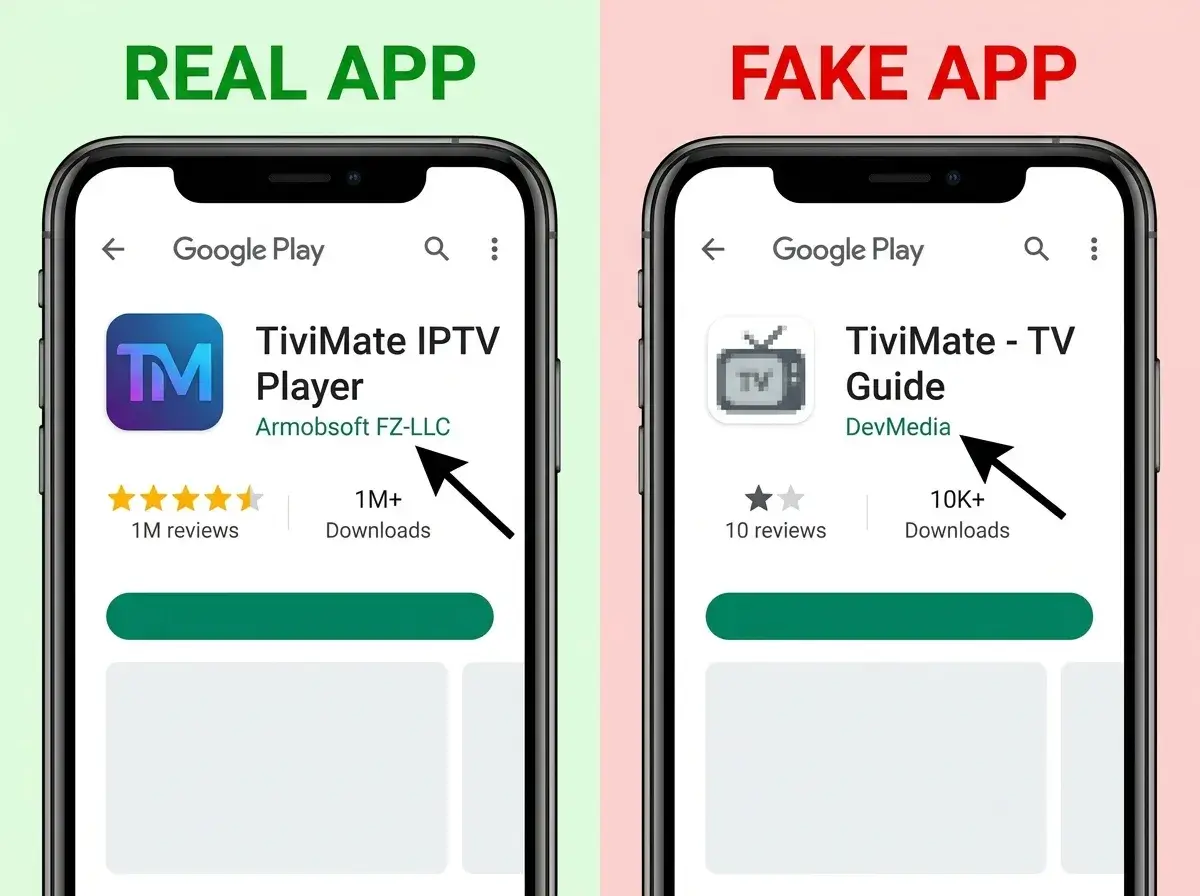
Because Samsung (Tizen) and LG (webOS) televisions use proprietary software rather than Android, they cannot run TiviMate. For these screens, we strongly recommend IBO Player or the native Smart TV version of IPTV Smarters. Read our complete setup tutorial on how to install IPTV on Smart TV.
Frequently Asked Questions
Do IPTV player apps include channels?
No. Legitimate player applications are strictly media players; they do not supply any content or streams. You must obtain playlist credentials from a reputable IPTV provider in Ireland to watch television.
Can I record live television on these apps?
TiviMate and XCIPTV both support scheduled and instant recording on Android and Firestick devices. Ensure your device has sufficient internal or external USB storage before recording high-definition broadcasts.
Can I test these applications with a trial playlist?
Yes, request an IPTV Ireland free trial and input the credentials into any of these player apps to evaluate the interface before committing.
Conclusion
Selecting the best IPTV app in Ireland elevates your everyday television experience from a simple stream to a polished home entertainment system. Whether you choose TiviMate for its unmatched satellite-style TV guide or IBO Player for its seamless Smart TV integration, investing a few minutes into configuring the right player ensures effortless family viewing for years to come.
Need assistance activating TiviMate or setting up Xtream Codes on your player? Message us directly on WhatsApp at +44 7853 146902.