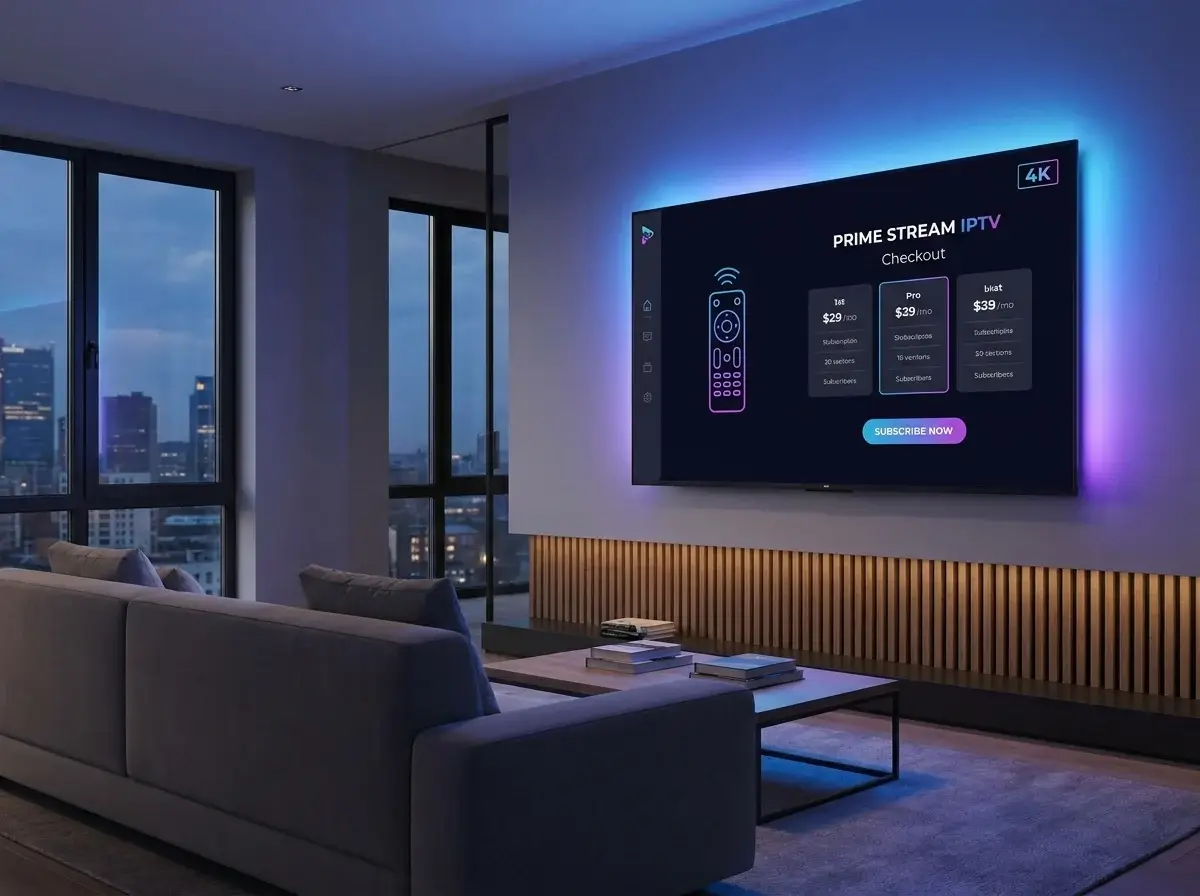
You press a button on your remote, and instantly a live sports game from halfway across the world appears in 4K resolution on your television. It feels like magic, but the technology behind it is highly sophisticated. So, how does IPTV work? In this guide, we will break down the technical journey of a video stream from the provider's server straight to your living room.
Introduction to Streaming Technology
To fully appreciate the benefits of IPTV USA, you need to understand the underlying infrastructure. Before you ever ask, "What is IPTV?", you must recognize that it relies entirely on the Internet Protocol suite—the exact same digital language used to load websites, send emails, and make VoIP phone calls.
The Technical Process: How Does IPTV Work?
The process of delivering an IPTV subscription to your screen involves four distinct, highly synchronized steps.
1. Video Preparation and Encoding
Before any video can be sent over the internet, it must be prepared. Television programs are captured in massive, uncompressed file formats. A premium IPTV provider uses advanced encoders to compress these massive files into smaller digital packets using formats like H.264 or HEVC (H.265). This compression is vital; without it, the video files would be too large to transmit smoothly over standard home Wi-Fi networks.
2. Secure Storage and CDNs
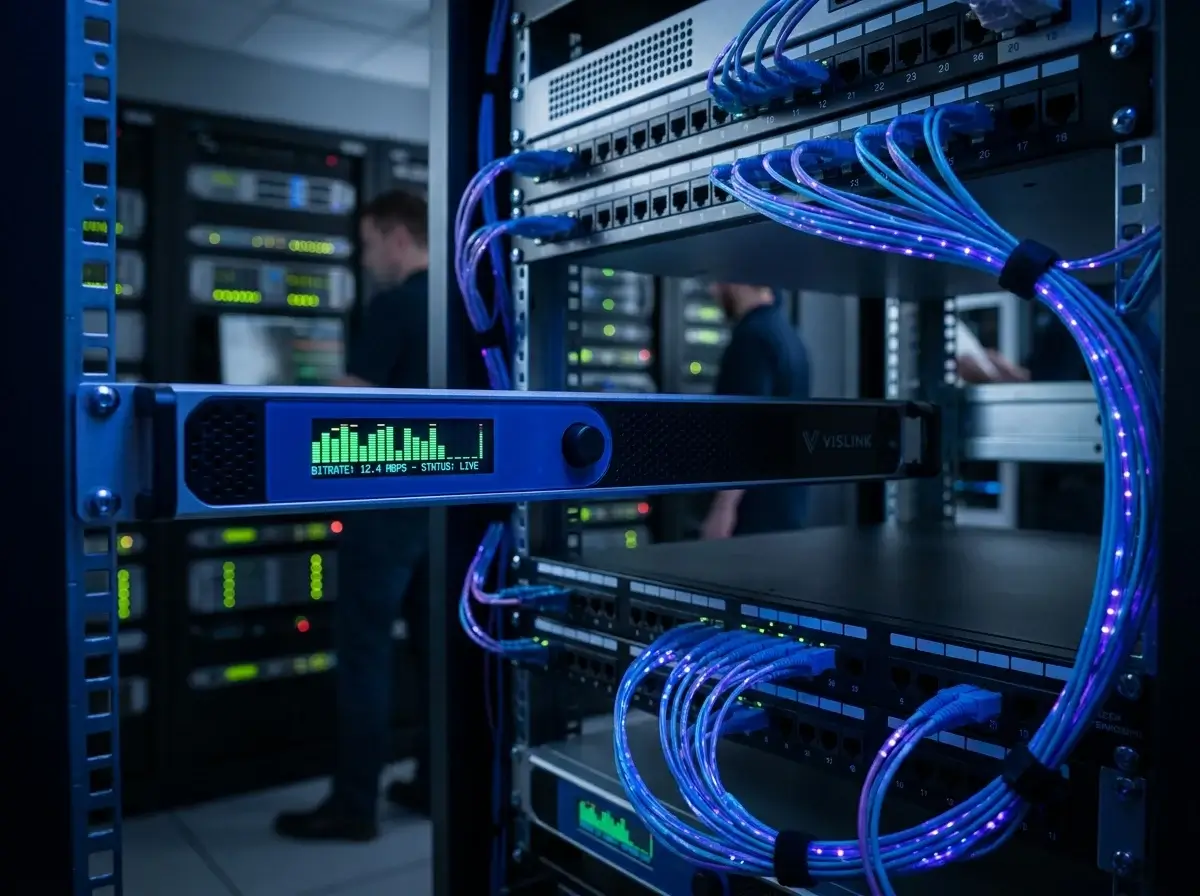
Once encoded, Video on Demand (VOD) files are stored in massive digital databases. Live broadcasts, like the best IPTV for sports, bypass long-term storage and are pushed immediately to a Content Delivery Network (CDN). A CDN is a global network of servers designed to hold data close to the end-user. If you are watching IPTV channels USA from New York, a good CDN will deliver the video from a server in New York, minimizing lag and preventing buffering.
3. The Viewer's Request
This is where the two-way communication of IPTV shines. When you open your app and select a channel, your device sends an encrypted data request to the provider's CDN. The network verifies your credentials and instantly begins sending the compressed video packets back to your IP address.
4. Video Decoding and Playback
Finally, the media player on your device (such as TiviMate or IPTV Smarters) receives these compressed packets. It rapidly decodes them and renders the video and audio on your television screen. This entire four-step process happens in mere milliseconds, providing a seamless IPTV for live TV experience.
The Difference Between IPTV and Traditional Broadcasting
When analyzing IPTV vs cable, the delivery mechanism is fundamentally different. Traditional cable broadcasts in a "multicast" or "broadcast" format. They push hundreds of channels down your coaxial cable simultaneously, and your set-top box acts as a filter to display the one you want.
IPTV uses "unicast" technology. It only sends you the exact channel you ask for. This is highly efficient for the provider's bandwidth, but it means that if your home internet drops for even a second, the stream will freeze because there is no localized signal to fall back on.
The Role of IPTV Middleware
Middleware is the crucial bridge connecting the complex server architecture to the user interface on your screen. It powers the Electronic Program Guide (EPG), manages your user authentication (login), handles billing, and processes your remote control commands. When you select the best IPTV subscription, you are paying for premium middleware that ensures fast channel switching (zapping) and an organized, beautiful interface.
Why Internet Speed is Crucial
Because IPTV relies entirely on real-time data packets, your internet speed is the most critical factor for success. For a flawless 1080p experience, a stable 25 Mbps connection is required. For 4K streaming, you should have 50 Mbps or higher. Furthermore, using a hardwired Ethernet connection rather than Wi-Fi dramatically reduces packet loss, ensuring a smoother viewing experience.
How Does IPTV Work on Different Devices?
The beauty of IPTV technology is its hardware independence. As long as a device has an internet connection and a processor capable of video decoding, it can run IPTV. Whether you are installing IPTV for Firestick, navigating IPTV on Roku, or setting up IPTV Android TV, the underlying data transfer process remains exactly the same.
Troubleshooting the Process
Understanding how the data flows makes IPTV troubleshooting much easier. If the video is constantly buffering, the packets are not arriving fast enough—which means either your local internet is slow, your ISP is throttling your connection (which can be solved with a VPN), or the provider's CDN is overloaded. If you get a "Failed to Authorize" error, the middleware is rejecting your login request.
Ready to experience the power of modern IPTV streaming?
Get the hardware you need at IPTV One 4K, or contact us on WhatsApp at +44 7853 146902 for technical support and activation.
Conclusion
So, how does IPTV work? It works by utilizing high-speed internet, advanced video compression, global server networks, and sophisticated middleware to deliver personalized entertainment directly to your screen. By understanding the technology, you can better optimize your home network, troubleshoot issues effectively, and enjoy the future of television.